.png?width=248&height=50&name=Kolmeo-PrimaryLogo-RGB-02%20(1).png)
My Properties
Once logged in, you will be able to view all properties where you are listed as the owner. Click on the property to view your My Kolmeo account relating to that property.
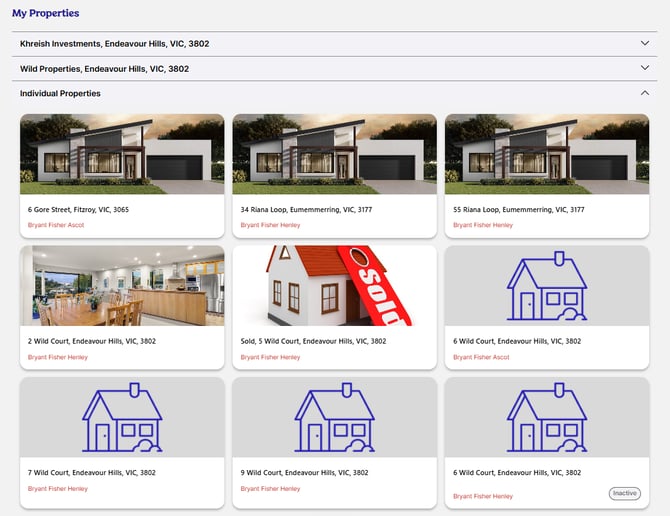
🍏 Are you an owner and a tenant? Switch between your owner & tenant accounts by clicking on your profile icon in the top right hand corner of the screen, then clicking on Switch to Tenant profile or Switch to Owner profile.
.gif?width=670&height=376&name=Logout-KFT-high%20(1).gif)
My Kolmeo for Owners
ℹ️ Navigate between screens to view the information you are after by clicking on the headings at the top of the screen. Click on My Properties to return to the property selection screen.
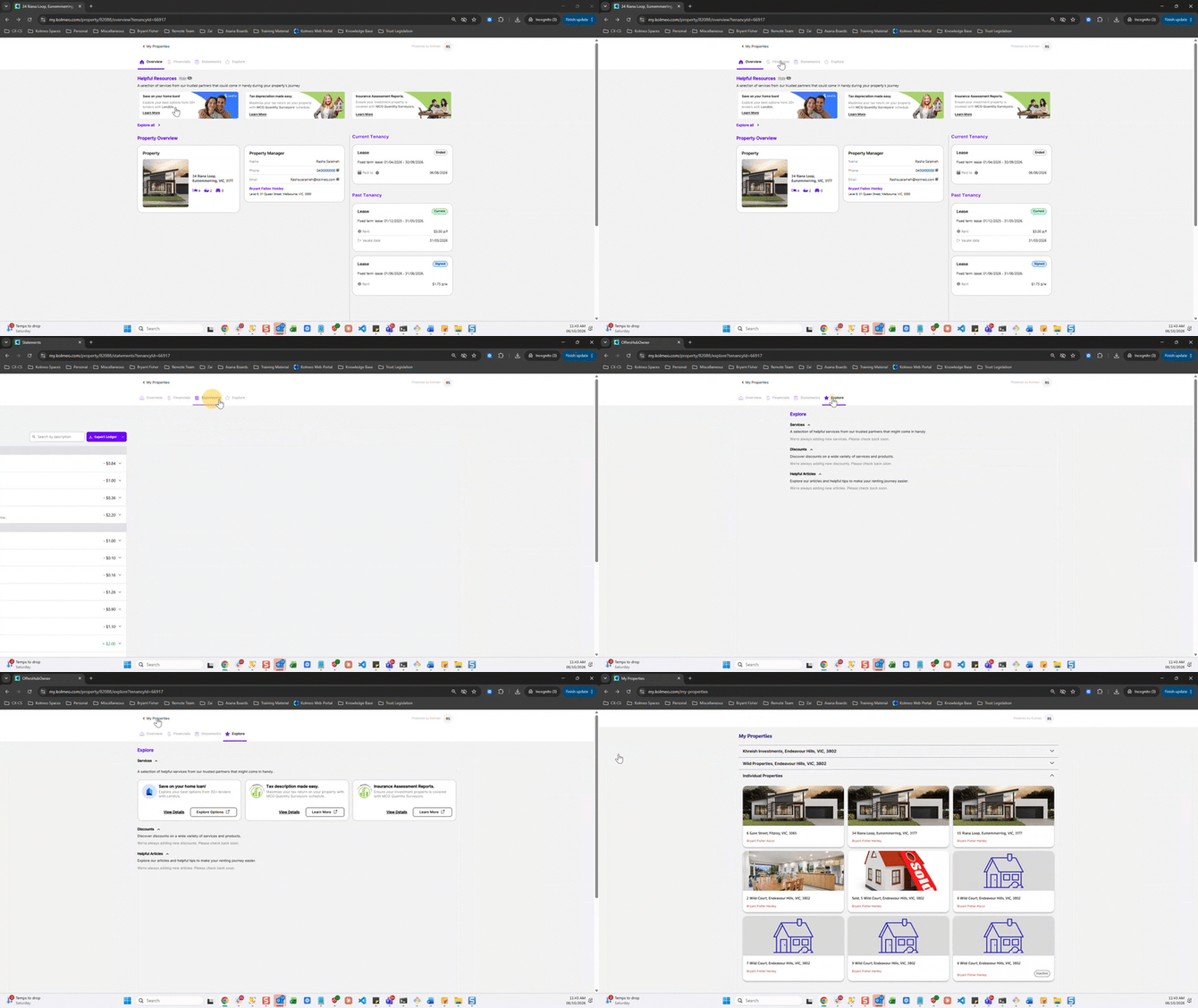
Overview
The Overview section of your My Kolmeo owner's account shows details of:
|
Field |
Details |
|
Property |
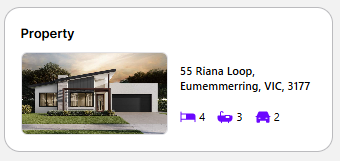
View the property address, as well as the main features of the property.
|
|
Property Manager |
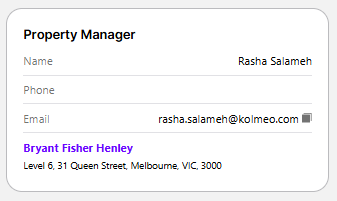
View the details of your property manager, as well as the office details of the office managing your property.
|
|
Current Tenancy |
View the lease details, current rent amount, frequency, paid to date & vacate date (if applicable).
|
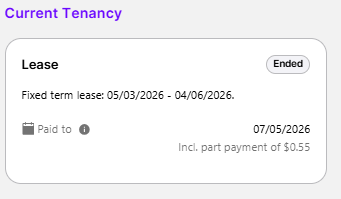
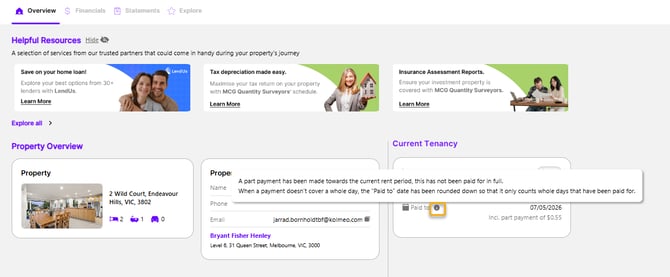
ℹ️ Click on the Information bubble for a pop up explanation of paid to date.
Financials
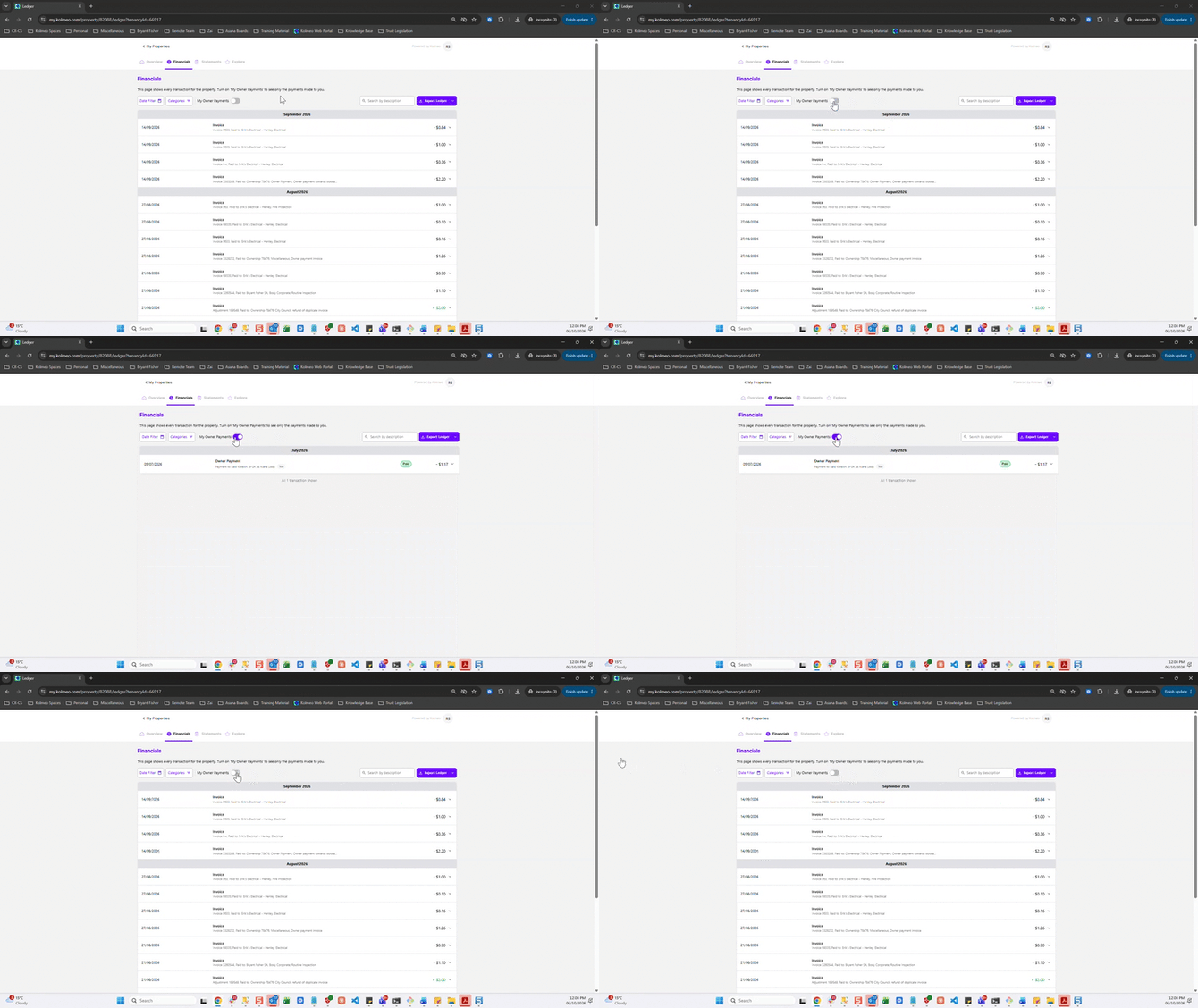
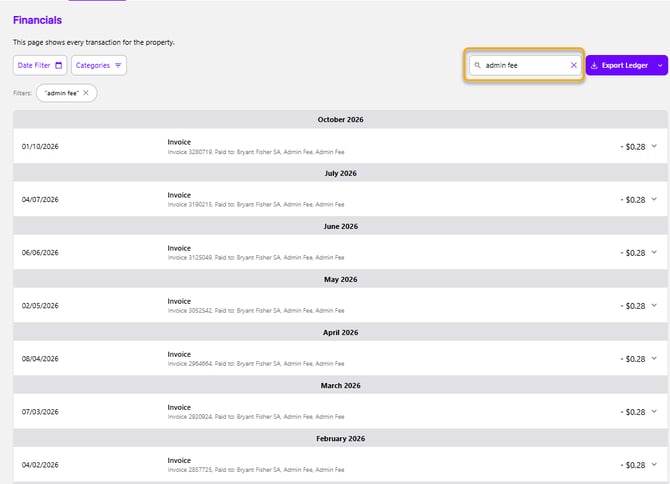
The Financials section of your My Kolmeo owner's account shows all transactions related to your property.
Click on the available fields to:
|
Field |
Details |
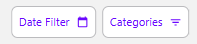 |
Filter your transactions based on the time period you wish to view transaction details for and/or transaction Categories. 🍏 To clear all transaction filters, click on Clear all.
|
|
|
Toggle My Owner Payments ON to view all payments made to your account ℹ️ This option appears for selection if the property has multiple owners. Toggle this on to see only payments made to your account.
|
|
|
Search for transactions using key words
|
|
|
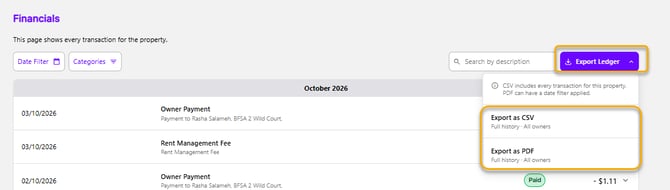
Export a copy of your ledger in pdf or excel format
|
|
Transactions |
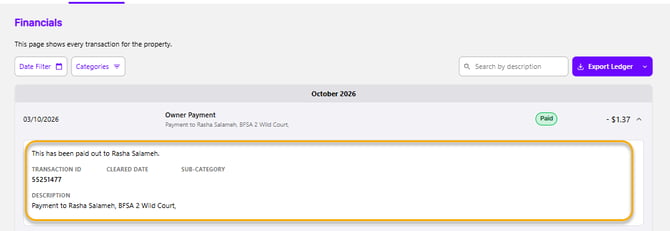
Click on a transaction to expand and view the details specific to the selected transaction.
|

Statements
ℹ️ End of Month Statements are generated at the start of each month for the prior month. Any invoices paid to creditors in the statement period will be attached to your statement.
The Statements section of your My Kolmeo owner's account shows monthly and end of financial year statements issued to you.
Click on the icons next to each document to:
|
Icon |
Details |
 |
Open the document in another web browser screen. |
 |
Download a copy of the document to your device. |
.gif?width=670&height=376&name=Statements%20my%20kolmeo%20owners-high%20(1).gif)
Explore
❔Not seeing this option? Not all agencies use this service.
The Explore section of your My Kolmeo owner's account features trusted and reputable services to assist you along your property ownership journey.
Click on the icons next to each offer to:
|
Icon |
Details |
 |
View the details of the service offered. |
 |
Open the website of the services in another tab. |
.gif?width=670&height=376&name=kolmeo%20plus%20offers%20my%20kolmeo%20owners-high%20(1).gif)
🍏 Keep an eye on your explore page. We're always adding new services, discounts & helpful articles catered to your property ownership experience.
🍏 To log out of your My Kolmeo account, simply click on your Profile icon, then click on Log Out.
-high%20(1).gif?width=670&height=376&name=logout-KFO%20(1)-high%20(1).gif)